Are Your LED Lighting Rebates Getting Rejected? Here's Why (And How to Fix It).
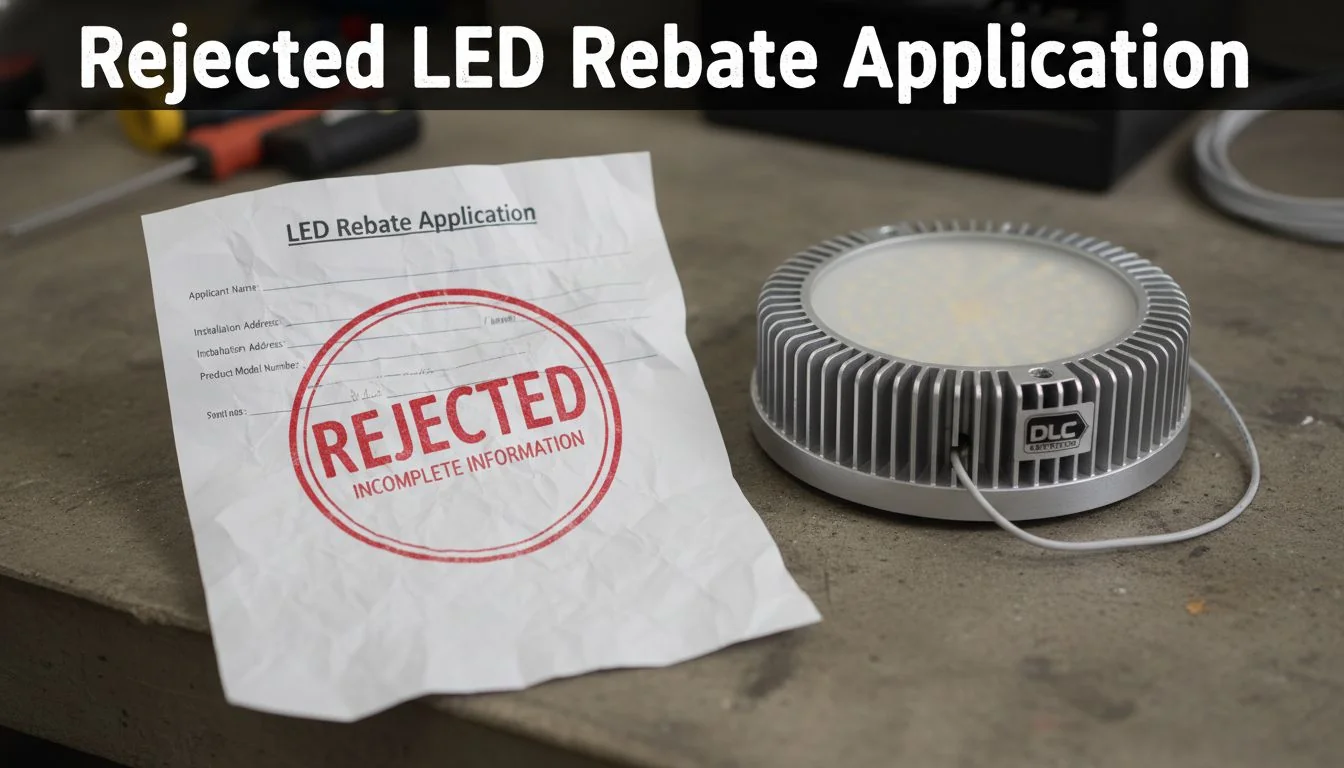
You finished a major LED upgrade, counting on that big rebate. Then the rejection letter arrives, turning your expected ROI into a frustrating loss. It’s a common, costly problem.
The most frequent reasons for rebate rejection are simple, avoidable errors. These include misclassifying products against the utility's categories, submitting incomplete documentation, using a product that was recently delisted from the DLC QPL1, or the most common mistake: starting work before receiving written pre-approval from the utility.
[image placeholder]
It's a scenario I've seen play out too many times with contractors and developers I work with. You invest time and money into an energy-efficient lighting project, only to have the financial incentive pulled out from under you because of a technicality. It feels unfair, but it doesn't have to be your reality. The truth is, most of these rejections are entirely preventable with the right process. Let's break down the exact pitfalls and build a bulletproof system to get your rebate applications approved, every single time.
Starting work before receiving written pre-approval is the number one reason for commercial lighting rebate rejections.True
Most utility programs require pre-approval to establish a baseline and confirm project eligibility before any work or material purchasing begins. Starting early automatically disqualifies the project.
Any DLC-listed product is guaranteed to be accepted for a rebate.False
While DLC listing is a primary requirement, the product must also match the utility's specific category, be on the QPL at the time of application, and meet any additional program-specific criteria.
What Are the 8 Most Common Rebate Rejection Reasons?
You’ve double-checked your math and project specs, so you feel confident. But a small oversight, like a mismatched model number, can get your entire application tossed out, wasting time.
The top rejection reasons are: starting work before pre-approval2, using delisted products, mismatched DLC categories, incomplete spec sheets, incorrect model numbers, missing commissioning reports for controls, late submissions, and failing to provide dated proof of purchase. These simple mistakes can derail your project's budget.
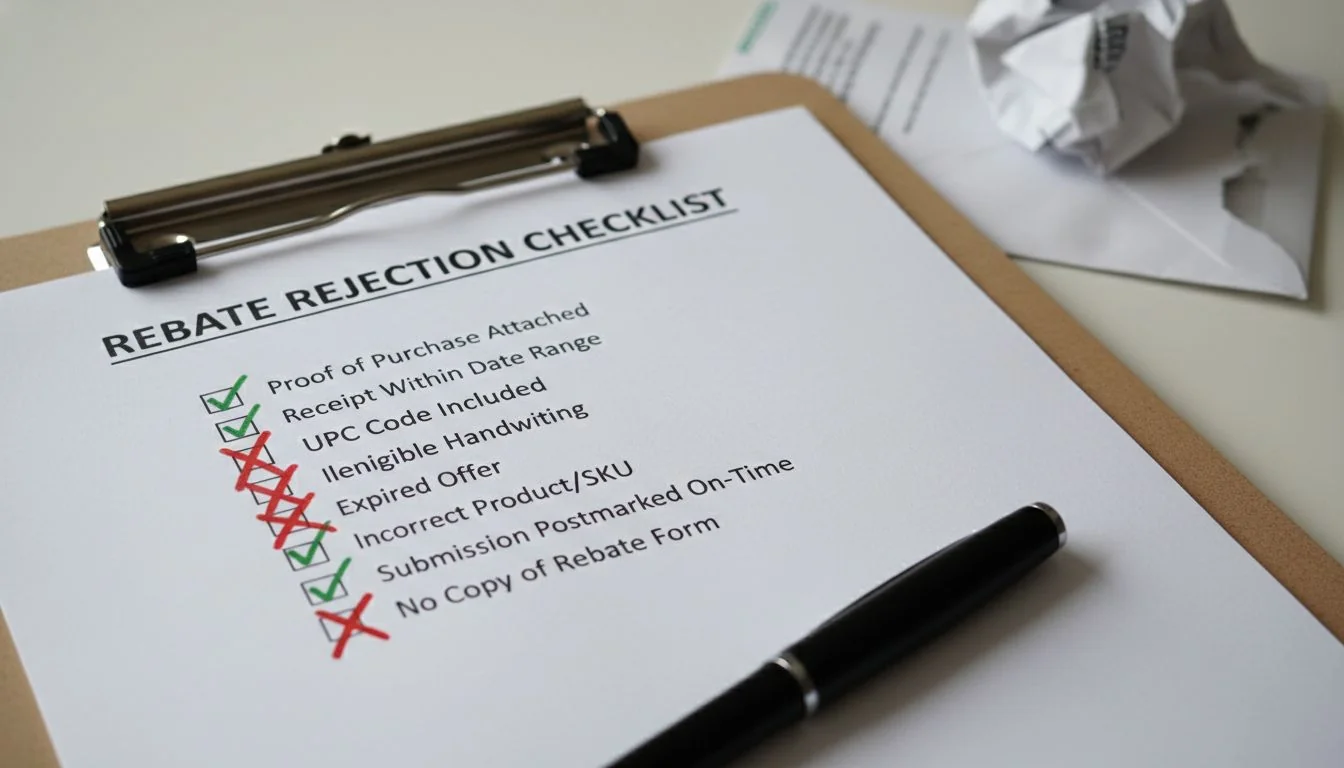
In my 13+ years in the LED lighting industry, I've seen how these seemingly minor issues can cause major headaches for my B2B partners, from contractors in North America to developers in the Middle East. It's all about process control. A single typo or a premature purchase order can invalidate an entire claim. To help you avoid this, I've categorized the most common failures I see into three phases of a project.
Pre-Project & Documentation Pitfalls
These errors happen before a single light is installed.
- No Pre-Approval: Starting work or even just purchasing materials before you have a signed pre-approval letter is an automatic disqualifier.
- Missing or Incomplete spec sheets3: Every rebated product needs a manufacturer's spec sheet. If it's missing or doesn't match the product you installed, you'll get rejected.
- mismatched model numbers4: A typo or a last-minute product substitution that wasn't pre-approved will create a mismatch between your application and your invoices.
Product Eligibility Errors
These relate directly to the lights you choose.
- Incorrect DLC Category Mapping: You install a "High Bay," but the utility classifies it as something else based on their specific program rules.
- Using delisted products5: The product was on the DLC Qualified Products List (QPL) when you quoted the job, but it was delisted before you submitted the final application.
Post-Installation & Final Submission Mistakes
These happen after the work is done.
- Missing Proof of Purchase: You must provide dated invoices showing the products were purchased after pre-approval.
- Incomplete commissioning reports6: If you're claiming extra rebates for smart controls, you need to submit a report proving they were programmed and are functioning correctly.
- Submitting After the Deadline: Rebate programs have strict submission windows. Miss it, and you get nothing.
A product's spec sheet is optional if the product has a DLC ID.False
Utilities almost always require both the DLC QPL listing/ID and the manufacturer's spec sheet to verify the exact model, options, and performance data.
As a global supplier, Besenled provides comprehensive documentation, including DLC-compliant spec sheets and certification proof, to streamline our partners' rebate applications.True
We understand the administrative burden and provide a full documentation package for our products like high bays and pole lights to support our clients' projects.
How Can You Avoid Misclassifying Products with DLC Category Mapping?
You specified a premium DLC-listed high bay for a warehouse project. But the utility's program has a separate, lower-paying category for "Aislelighters," and they reclassify your product, slashing your rebate.
To prevent this, you must actively map the utility's program terms to the official DLC QPL categories. Don't assume they are the same. When in doubt, email the program manager for clarification, attach the QPL spec sheet for your chosen product, and save their written response.

This is a critical step that many people overlook. A utility's marketing name for a category might not align with the technical definition used by the DLC. For example, a utility might have a generic "Outdoor Pole Light" category, but the DLC might break that down into "Pole/Arm-Mounted Area and Roadway Luminaires," "Decorative Post-Top Luminaires," and "Parking Garage Luminaires." Choosing the wrong one can lead to rejection.
Step 1: Create a Translation Key
Before you even finalize your product selection, open two browser tabs. In one, have the utility's list of eligible measures. In the other, have the DLC QPL. Create a simple table to match their terms.
| utility program7 Term | Potential DLC QPL Category | Your Action |
|---|---|---|
| "Troffer Retrofit" | "Linear Replacement Lamps" (T5/T8) | Is it just a lamp swap? |
| "Troffer Retrofit" | "Retrofit Kits for 2x4 Troffers" | Is it a full kit replacement? |
| "Exterior Wall Pack" | "Building-Mounted Wall-Wash Luminaires" | Does it match this specific use case? |
Step 2: Use the QPL as Your Evidence
When you submit your application, don't just list the model number. I always advise my clients to attach a PDF printout or a time-stamped screenshot of the exact DLC QPL page for the product. This shows the reviewer the official classification, wattage, and efficacy, leaving no room for doubt.
Step 3: When in Doubt, Ask and Document
If there's any ambiguity, send a concise email to the utility program manager. For instance: "Hi, we plan to use the Besenled model BSHB01, listed on the DLC QPL under 'High-Bay Luminaires for Commercial and Industrial Buildings.' Can you confirm this qualifies for your 'Warehouse High-Bay' incentive? The QPL listing is attached." Their reply is your proof.
Utility rebate programs always use the same product categories as the DesignLights Consortium (DLC).False
Many utilities create their own sub-categories or use different terminology, which requires careful mapping to the official DLC QPL categories to ensure compliance.
Besenled's product line, including high bays, pole lights, and retrofits, is clearly categorized to align with major international standards like DLC and UL, simplifying the mapping process for our partners.True
We design and label our products with global markets in mind, making it easier for contractors and developers to match them to various rebate program requirements.
What's on the Documentation Checklist That Utilities Actually Approve?
You submitted a thick folder of paperwork, feeling proud of your thoroughness. But the application comes back with a note: "Missing commissioning report for NLC system." The project is now on hold.
A winning documentation package is about quality, not quantity. It must include the signed pre-approval letter, dated invoices, complete product spec sheets, DLC QPL screenshots for each model, a detailed scope of work, and post-installation photos. For controls, always add commissioning reports.
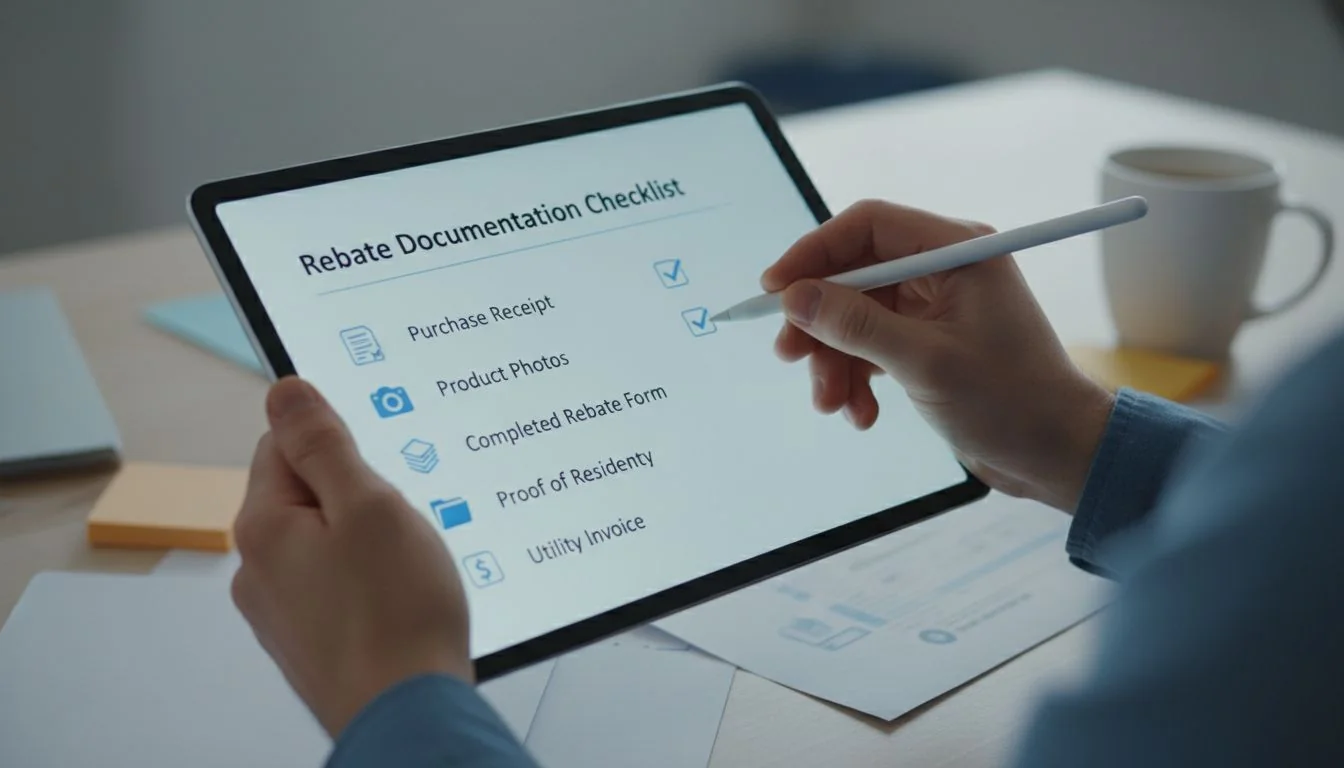
Over the years, I've refined my team's process into a non-negotiable checklist. This isn't just about getting paid; it's about creating a predictable, scalable process for our multi-site clients who manage dozens of applications at once. A single missing document can delay payment by months. Here is the checklist we use at Besenled when assisting our partners.
Pre-Installation Documents
- Signed Pre-Approval Letter: This is the most critical document. It's your contract with the utility.
- Detailed Scope of Work (SOW): The same SOW you submitted for pre-approval, outlining existing and proposed systems.
- Time-Stamped DLC QPL Screenshots: For every single model number you plan to install. This proves eligibility at the start of the project.
Product & Purchase Documents
- Manufacturer Spec Sheets: One for each luminaire and control system component. We provide these automatically for all Besenled products.
- Dated Invoices: Must be dated after your pre-approval letter. It must clearly show the model numbers and quantities purchased, matching your application exactly.
Post-Installation & Final Submission
- Post-Installation Photos: Clear photos showing the new lights installed and operating.
- Certificate of Completion: A signed document stating the project is finished per the SOW.
- Controls Commissioning Report: (If applicable) This report, signed by the installer, proves that networked lighting controls8 (NLC) or other sensors are programmed and functioning as intended. This is essential for unlocking higher-tier incentives.
This structured approach turns the application process from a guessing game into a simple assembly line.
As long as you have an invoice, the purchase date doesn't matter.False
Utilities require invoices to be dated after the pre-approval letter to prove the rebate incentive influenced the purchasing decision.
Providing a complete documentation package, including spec sheets and DLC proof, is a key part of Besenled's service to our B2B partners, reducing their administrative burden.True
We act as a partner, not just a supplier, by equipping our clients with all the necessary paperwork to secure their rebates and maximize project ROI.
How Do You Stay Eligible Through DLC Spec Changes and Delistings?
Your go-to LED panel was DLC V5.1 listed when you quoted a 100-unit office project. The client took three months to approve. By the time you order, the DLC has delisted the product.
The key is to lock in eligibility with time-stamped proof at the pre-approval stage. Take a screenshot of the DLC QPL listing when you submit for pre-approval. For long projects, build a "rebate BOM9" with pre-vetted alternates so you can pivot quickly if a product is delisted.
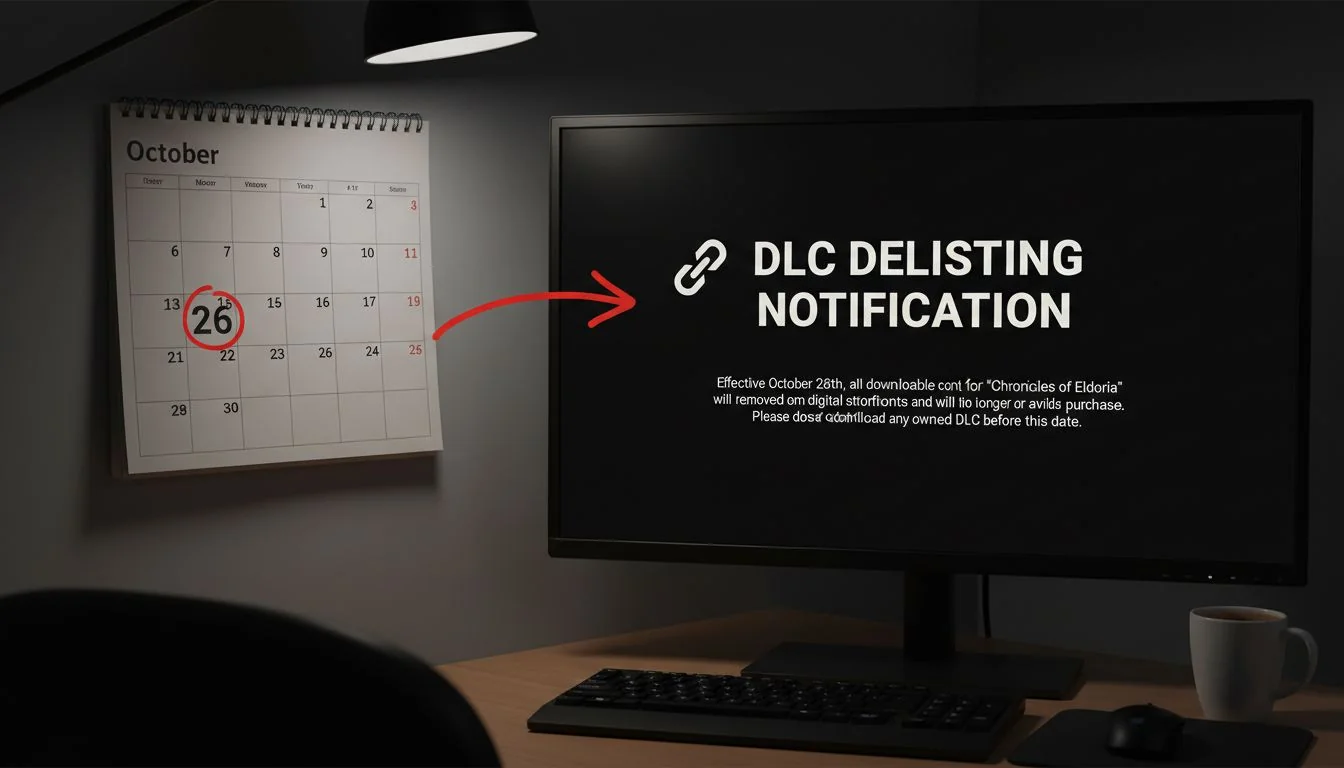
The DesignLights Consortium is constantly pushing for greater efficiency. This is great for the industry but creates a risk for projects with long timelines. When the DLC releases a new technical standard (like the move from V5.0 to V5.1), manufacturers have a grace period to get their products re-tested and re-certified. If they don't, their products are removed from the QPL.
The Danger of a "Set It and Forget It" Specification
Many contractors specify a product and assume its DLC status is permanent. This is a dangerous assumption. I've seen a six-month project rollout for a retail chain get jeopardized because the specified troffer was delisted in month four. The contractor had to scramble to find a replacement, which caused delays and required re-submitting paperwork to the utility.
Your Defense: The Time-Stamped Snapshot
This is why my second checklist item is a time-stamped screenshot of the QPL listing. Most utility programs will honor the eligibility of a product if you can prove it was listed at the time of pre-approval. This simple PDF or PNG file is your insurance policy against future delisting.
My Pro-Tip: The "Rebate BOM"
For complex, multi-site, or long-term projects, I work with my clients to build a "Rebate Bill of Materials." We don't just select one product. We select a primary option and at least one pre-approved backup. For example, we'll choose our primary Besenled high bay, and also vet a second Besenled model with similar specs that is also on the QPL. Both are included in our internal project file. If Product A gets delisted, we can seamlessly switch to Product B without any panic or project delays.
Once a product is on the DLC QPL, it stays there forever.False
The DLC regularly updates its technical requirements, and products that are not updated and re-certified by the manufacturer are delisted from the QPL.
Building a 'Rebate BOM' with pre-vetted primary and alternate products is an expert strategy to mitigate the risk of DLC delistings on long-term projects.True
This proactive approach, a core part of my advisory process, ensures project continuity and financial predictability by having compliant backup options ready.
What Process Controls Can Prevent Rebate Issues in Multi-Site B2B Projects?
Managing one rebate application is a challenge. Managing 50 applications for a national retail chain's lighting upgrade is a recipe for errors, inconsistency, and lost revenue across different utility territories.
For multi-site projects, the solution is a rigid internal process. Use a centralized "Rebate BOM" for product consistency and implement a non-negotiable "stop-gate": no mobilization or material orders until the site-specific pre-approval and QPL proof are filed and verified by a manager.
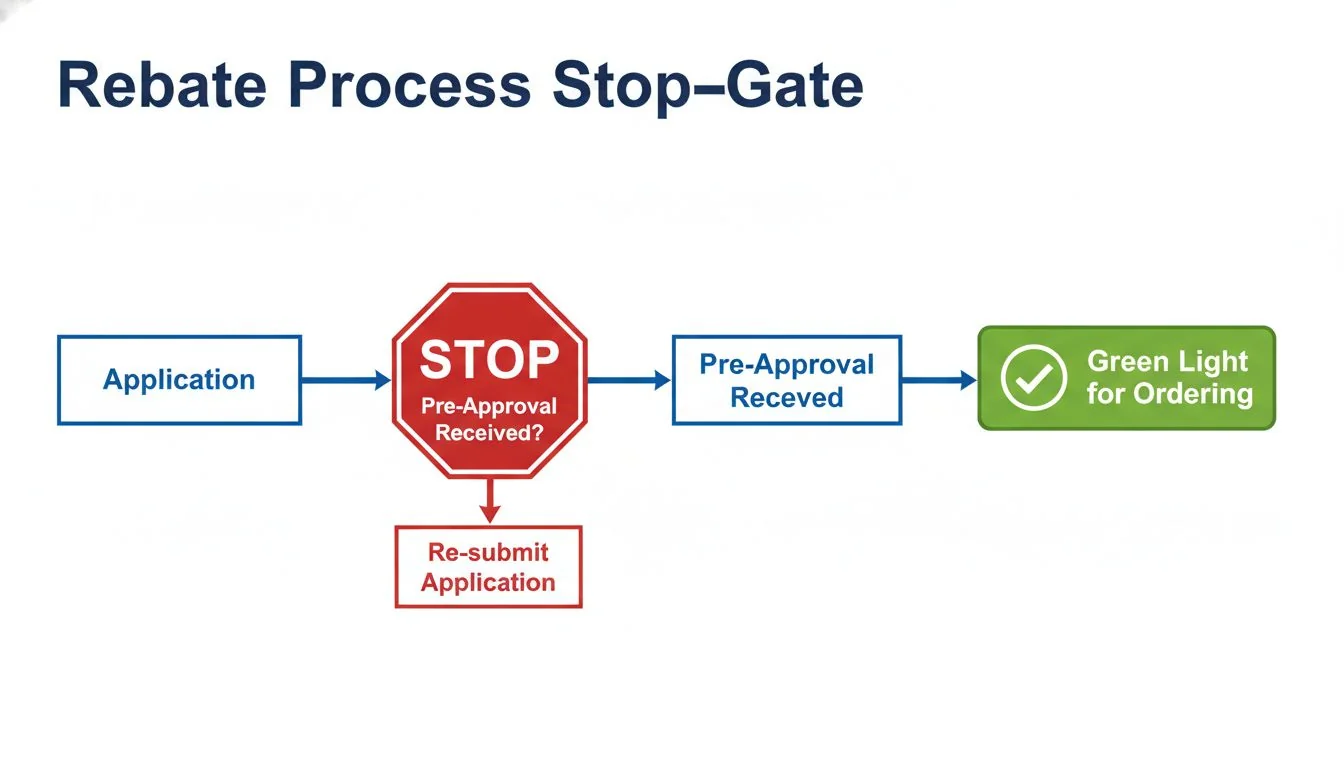
When I partner with large developers or national chains like the ones we serve in North America and Europe, the scale is completely different. A small error multiplied by 100 sites can mean hundreds of thousands of dollars in lost rebates. To prevent this, I help them implement two key process controls I developed.
The Centralized "Rebate Bill of Materials" (BOM)
We create a master document that lists the approved primary, secondary, and tertiary product choices for every fixture type (e.g., 2x4 troffer, parking lot pole light, wall pack). Every product on this list is already vetted against the DLC QPL. This prevents project managers at different sites from making unapproved, non-compliant substitutions. It ensures consistency and simplifies procurement. As a manufacturer with a wide range of DLC-listed products, Besenled is an ideal partner for building this kind of robust BOM.
The "No Pre-Approval, No Mobilization" Stop-Gate
This is the most important rule. We set up a simple but strict workflow:
- The project manager for Site #27 submits the rebate application using a product from the Rebate BOM.
- STOP-GATE: The project status is "On Hold." No purchase orders for lighting can be issued. No installation can be scheduled.
- The utility sends the written pre-approval letter for Site #27.
- The PM uploads the letter and the original QPL screenshot to a central, shared folder.
- A senior manager or rebate specialist verifies the documents and changes the project status to "Approved for Mobilization."
This simple stop-gate single-handedly eliminates the #1 cause of rebate rejection: starting work too early. It forces discipline and creates a clear, auditable trail for every site.
Managing rebates for multi-site projects is best done by letting each local manager handle their own process.False
Decentralized processes lead to inconsistency, unapproved product substitutions, and missed deadlines. A centralized, standardized process with stop-gates is far more effective.
Implementing process controls like a 'Rebate BOM' and 'Stop-Gates' is an expert-level service that transforms rebate applications from a risk into a predictable revenue stream for B2B clients.True
This is a core part of my value proposition, moving beyond just supplying lights to providing a partnership that ensures financial success on complex projects.
What Are the Most Frequently Asked Questions About LED Rebates?
Even with a solid plan, you probably still have a few specific questions. Getting clear, direct answers from busy utility reps can be tough, leaving you uncertain about critical details.
Here are the straight answers. Yes, you absolutely need pre-approval. Yes, controls can unlock bigger rebates. You prove eligibility with a DLC QPL screenshot. And if utility terms are confusing, always ask.
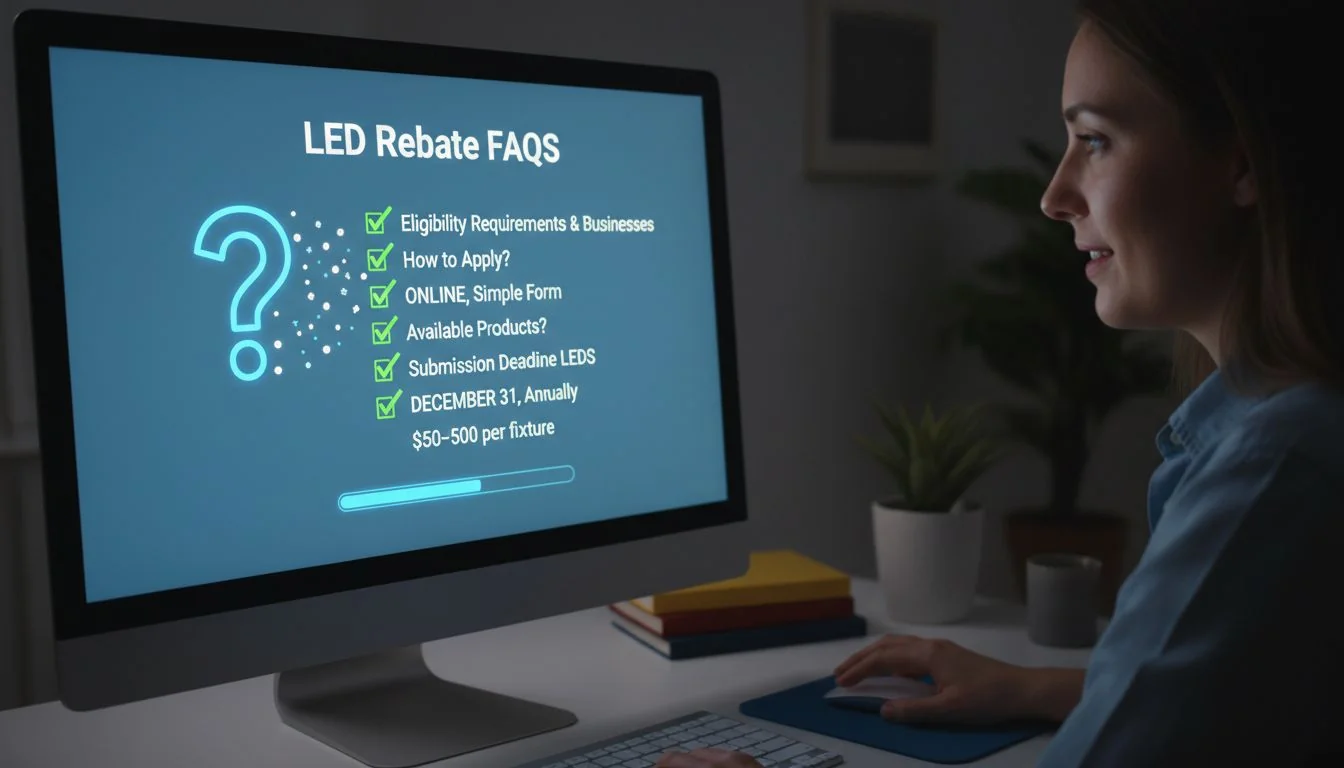
These are the questions I hear almost every day from contractors, facility managers, and developers. Let's clear them up once and for all.
Do I need pre-approval before starting work?
Yes, in 99% of cases. Starting work early—which includes ordering materials—is the most common reason for disqualification. Utilities need to approve the project before the energy-saving action is taken to ensure the incentive drove the decision. Always secure written pre-approval before spending a dime.
Can controls increase my rebate amount?
Absolutely. Many programs offer significant "kickers" or bonus incentives for installing Networked Lighting Controls (NLC), occupancy sensors, or daylight harvesting. To claim these, you must provide documentation proving the controls are installed and commissioned correctly, like a sequence of operations and a signed commissioning report. This is a key reason we focus on smart lighting systems at Besenled; they maximize both energy savings and rebate potential for our clients.
How do I prove my products are eligible?
Provide the trifecta of proof:
- The exact manufacturer model number/SKU.
- The corresponding DLC QPL listing ID or a time-stamped screenshot of the listing page.
- The manufacturer's spec sheet.
Attaching all three to your application makes the reviewer's job easy and leaves no room for questions.
What if the utility program taxonomy differs from DLC?
Do not guess. This is where you must be proactive. Send a short, polite email to the utility program manager. Include the product spec sheet and the DLC QPL listing, and ask for clarification. For example: "We are specifying this product, listed on the DLC QPL as a 'Linear Ambient Luminaire.' Does this qualify for your 'High-Performance Troffer' category?" Save their written response and include it with your application. This simple act of communication can save your rebate.
Adding lighting controls to a project is too complicated and rarely pays off in rebates.False
Most modern utility programs have specific, high-value incentives for Networked Lighting Controls (NLC) that can significantly increase the total rebate amount and shorten the project's payback period.
Proactively communicating with the utility program manager to clarify category mapping is a best practice that prevents costly rejections.True
A simple, documented email exchange provides clarity and serves as evidence to support your application choices, de-risking the entire process.
Conclusion
Mastering the rebate process is about discipline. By verifying products, securing pre-approval, and maintaining meticulous documentation, you can turn frustrating rejections into predictable, approved incentives for your lighting projects.
References
-
Understanding the DLC QPL is crucial for ensuring product eligibility and maximizing rebate potential. ↩
-
Securing pre-approval is essential to avoid common pitfalls that lead to rebate rejections. ↩
-
Spec sheets provide necessary documentation to verify product eligibility and specifications. ↩
-
Mismatched model numbers can lead to application rejections, making accuracy vital. ↩
-
Knowing the implications of delisted products helps in planning and maintaining eligibility. ↩
-
Commissioning reports validate the functionality of installed systems, which can unlock additional rebates. ↩
-
Understanding utility program criteria is key to aligning your project with their requirements. ↩
-
NLC can significantly increase rebate amounts, making them a valuable addition to projects. ↩
-
A Rebate BOM streamlines product selection and ensures compliance, reducing the risk of errors. ↩