How Do You Stop CCTV Flicker Under LED Street Lights?
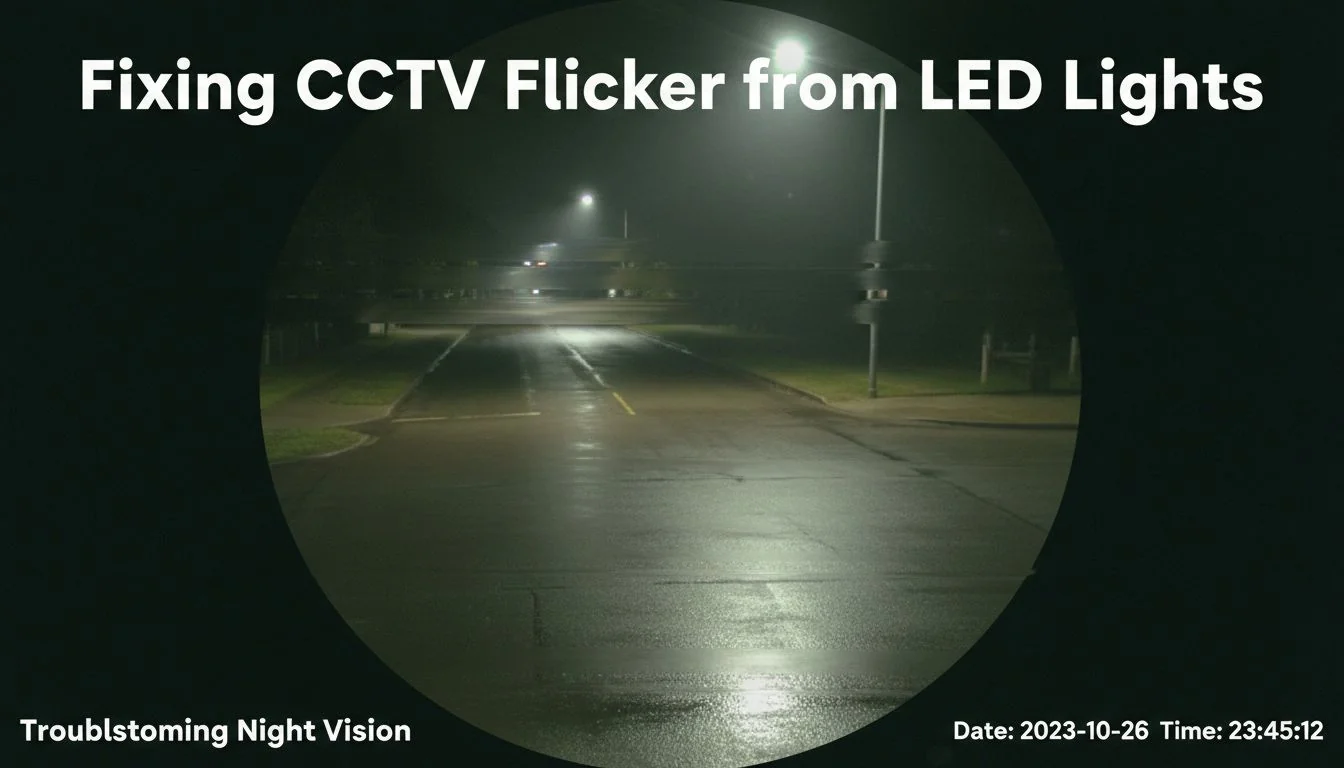
Flickering bands are ruining your security footage, making it useless. This compromises safety and makes identifying anything impossible. I'll show you how to fix it with simple camera adjustments.
The main causes of CCTV flicker1 are a mismatch between your camera's shutter speed and the local power grid's frequency (50Hz or 60Hz), and interference from the LED light's driver, like PWM dimming or electromagnetic noise (EMI). Fixing it involves syncing your camera settings and using quality lighting.
I've been in the LED lighting business for over 13 years, and this is a problem I see all the time. A client in North America, a large warehouse operator, called me in a panic. Their brand-new, expensive security system was producing footage with dark bands rolling through the image, but only at night under their new LED pole lights. They thought the cameras were faulty. But after a quick 10-minute check of their camera settings2, we had crystal-clear footage. The problem wasn't the cameras; it was a simple mismatch with the lights. These are the exact steps we followed, and they will help you solve the same issue.
All LED lights cause flicker on security cameras.False
Flicker is caused by a mismatch between camera settings and the light source's power delivery. High-quality, flicker-free LED drivers, like those used in Besenled products, significantly reduce or eliminate this issue.
Matching your camera's shutter speed to the local power grid's frequency can eliminate banding.True
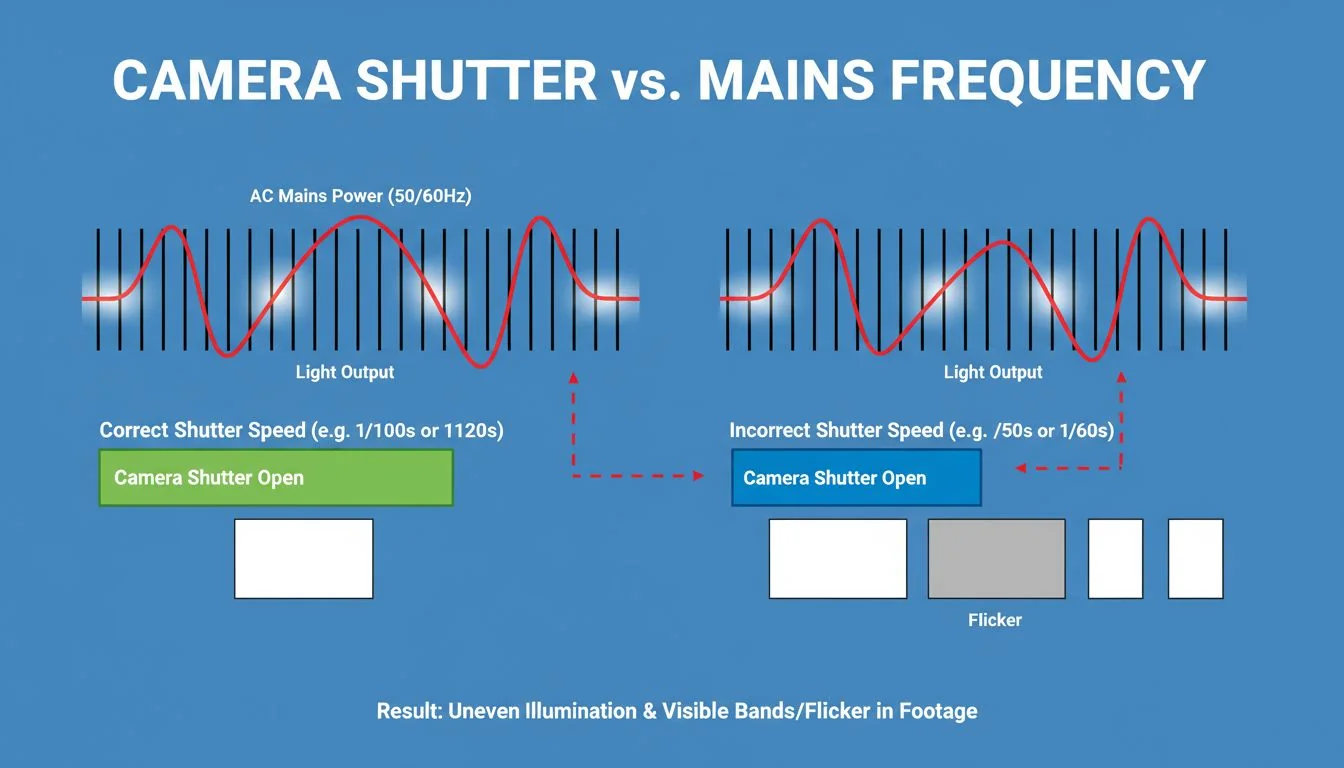
Syncing the shutter to a multiple of the mains frequency (e.g., 1/100s in a 50Hz region) ensures the sensor captures a complete light cycle in each frame, preventing flicker.
What causes CCTV flicker under LED street lights?
You see strange, moving bands on your camera feed and assume your expensive equipment is broken. You're frustrated because the footage is unusable. It's likely the lights, not the camera.
CCTV flicker is mainly caused by two things. First, a "beat" frequency created when your camera's frame rate and shutter speed3 are out of sync with the AC mains power (50 Hz or 60 Hz). Second, interference from the LED driver, either from Pulse-Width Modulation (PWM) dimming or electromagnetic noise (EMI).
Let's break these issues down. As a lighting supplier, I help contractors and developers solve this constantly. It's not about buying more expensive cameras; it's about understanding the physics of light and electricity.
Mains Frequency Mismatch
Your electrical grid doesn't deliver constant power. It alternates at a specific frequency, which is 50 Hz in most of Europe and Asia, and 60 Hz in North America. This means the light from an LED actually pulses 100 or 120 times per second. Your camera's rolling shutter scans the scene line by line. If the shutter speed isn't synced with the light's pulsing, it captures different light levels as it scans, creating those dark bands.
PWM and Driver Interference
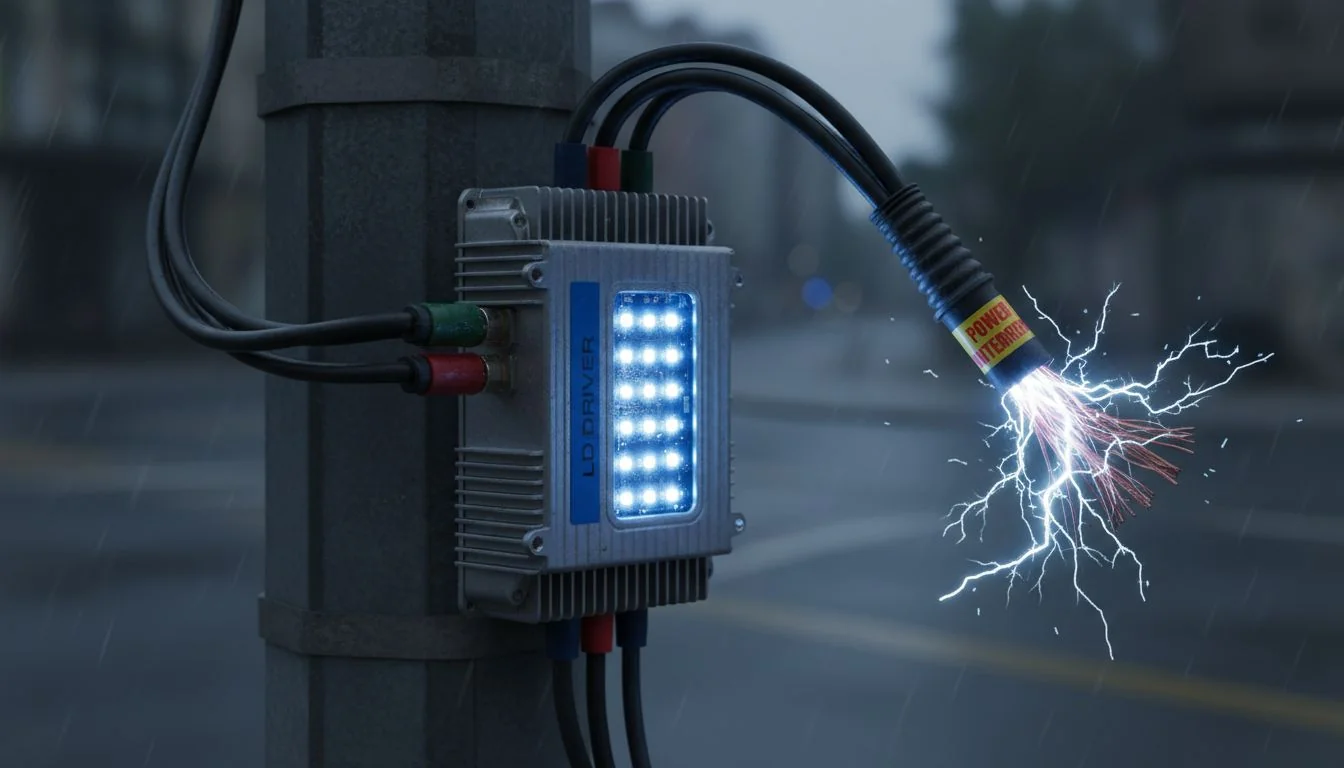
Many LED lights use Pulse-Width Modulation (PWM) to dim. This means the driver turns the light on and off very quickly. Low-quality drivers use a low PWM frequency that cameras can easily pick up, causing severe flicker. Even non-dimmed lights can have "ripple" from a poorly designed driver. On top of that, these drivers can produce electromagnetic interference (EMI) that travels along power or video cables, corrupting the signal and causing noise that looks like flicker. This is why we at Besenled focus on high-quality, certified drivers that minimize both PWM flicker and EMI.
Using a camera with a 'flicker-free' setting automatically solves all banding issues.False
The 'anti-flicker' setting helps by syncing to 50Hz or 60Hz, but manual shutter speed adjustments are often still necessary to completely eliminate banding, especially with PWM dimming.
Low-quality LED drivers are a common source of both visible flicker and invisible electromagnetic interference (EMI).True
Poorly designed drivers often use low-frequency PWM for dimming and lack sufficient filtering, which creates flicker and radiates EMI that can disrupt nearby electronics like CCTV cameras.
How can I fix LED flicker in under 10 minutes?
Your security footage is unreadable because of constant flickering. You don't have hours to troubleshoot complex technical issues. Here are some fast, effective camera settings you can change right now.
First, set your camera's "Anti-Flicker" mode to match your local power grid (50 Hz for EU/Asia, 60 Hz for North America). Then, manually set your shutter speed to a multiple of that frequency. For example, use 1/100s in a 50 Hz region or 1/120s in a 60 Hz region.
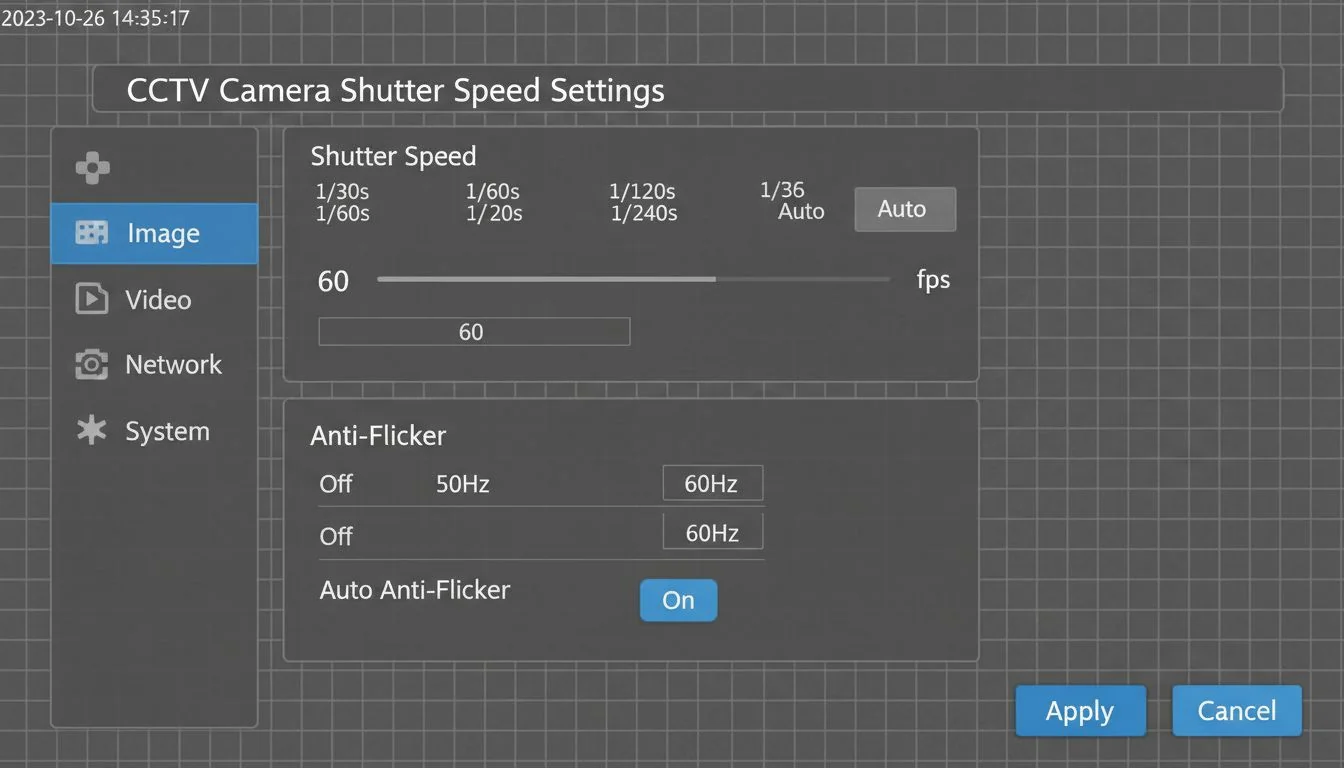
This is the fastest way to solve 90% of flicker problems. It forces the camera's sensor to capture a full cycle of light with every frame. Think of it like taking a picture of a spinning fan; only certain shutter speeds will freeze the blades cleanly.
Recommended Shutter/FPS Pairs by Region
Your frame rate (fps) and shutter speed work together. It's best to align your frame rate to the grid frequency too. Here is a simple table I give to all my clients.
| Region | mains frequency4 | Recommended FPS | Recommended Shutter Speed |
|---|---|---|---|
| Europe, Asia, Middle East | 50 Hz | 25 fps or 50 fps | 1/50 s or 1/100 s |
| North America, parts of SA | 60 Hz | 30 fps or 60 fps | 1/60 s or 1/120 s |
| Uncertain / Persistent Bands | 50 Hz or 60 Hz | 25 or 30 fps | 1/33 s or 1/40 s (slower) |
What if Bands Persist?
If you still see bands after trying the recommended settings, the issue might be a PWM dimmer.
- Identify the Source: If possible, turn the suspected LED luminaires to 100% brightness. If the flicker stops, you've found a PWM issue.
- Disable or Replace: The best solution is to use high-quality, flicker-free drivers. At Besenled, our drivers are engineered for stable output, even when dimmed. If you can't replace the driver, disabling the dimming function is a temporary fix.
- Use Clear-Scan: Some advanced cameras have a "Clear Scan" or "Syncro Scan" feature that allows you to fine-tune the shutter frequency in very small steps. Nudge it up or down from the base setting (e.g., from 100.0 Hz to 100.5 Hz) until the bands disappear.
A shutter speed of 1/100s will work perfectly in both 50Hz and 60Hz regions.False
1/100s is a multiple of 50, so it works well in 50Hz regions. However, it is not a clean multiple of 60, so it can still cause a slow-rolling band in 60Hz regions, where 1/60s or 1/120s is required.
Setting an LED luminaire to full brightness can stop flicker caused by PWM dimming.True
At 100% output, the PWM signal is 'always on,' so there is no high-frequency switching to create flicker. This is a quick way to diagnose if PWM is the culprit.
Could EMI from street lights be causing my CCTV issues?
You've already adjusted your shutter speed and frame rate, but the video is still noisy or has faint bands. You're worried that invisible interference is messing with your system. I'll show you a simple test to find out.
Yes, electromagnetic interference (EMI) from LED drivers5 or their power lines can corrupt your video signal. You can test for it with a simple AM radio. If you hear buzzing that gets louder near the light's driver or cables, you have an EMI problem.
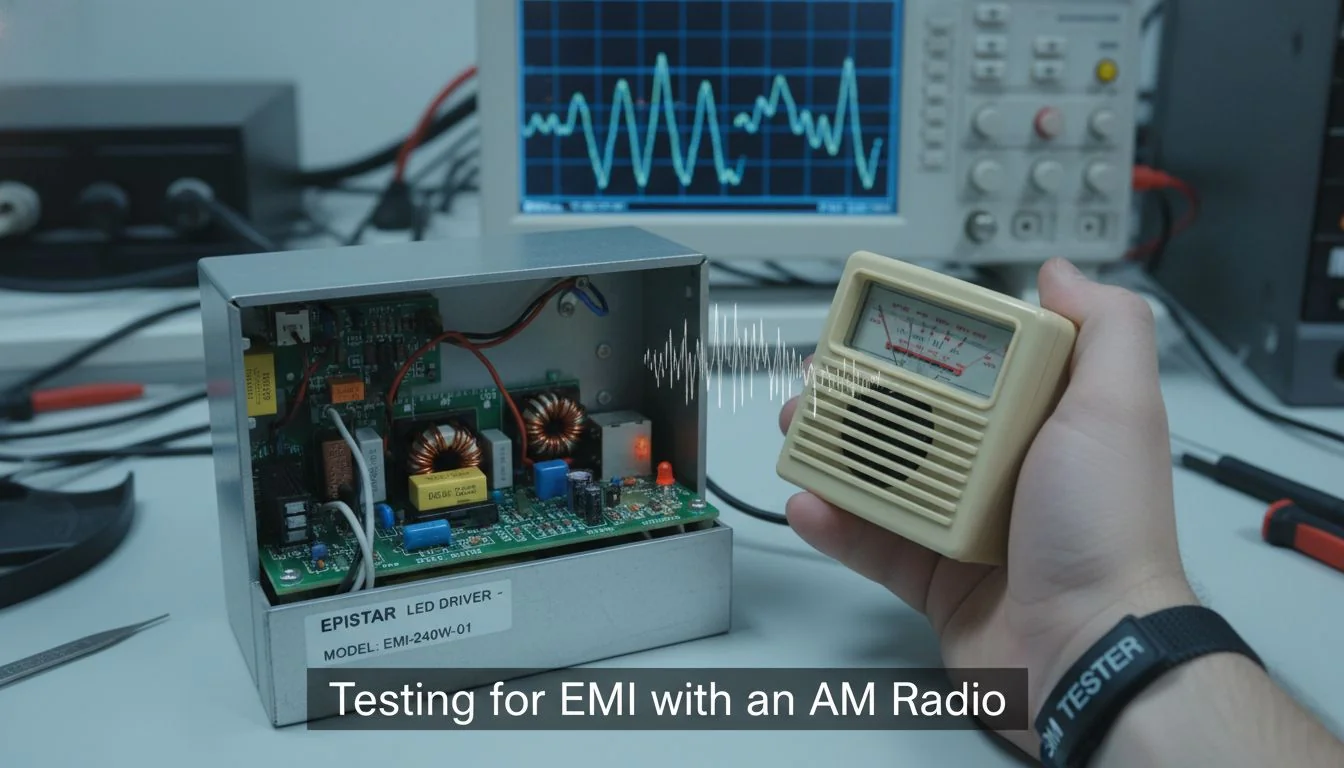
I once worked on a project for a large parking garage where the video signal was perfect during the day but noisy at night. The installer was convinced the cameras were bad. I brought a cheap AM radio, tuned it to a quiet station, and walked the cable path. As I got near the LED canopy lights, the radio buzzed loudly. The video cables were run right alongside the unshielded power lines for the lights.
EMI Self-Test Checklist
Here’s a quick checklist to diagnose and fix EMI.
- The AM Radio Test: Tune a portable AM radio to a frequency with no station (just static). Hold it near the LED driver, the power supply, and along the video cable. A loud buzzing or crackling sound that changes as you move indicates radiated EMI.
- Cable & Routing Check: Are you using shielded cables (like shielded coax or shielded twisted pair for IP cameras)? Unshielded cables are like antennas for noise. Also, ensure video/data cables are separated from high-current AC power lines by at least 12 inches (30 cm). Never run them in the same conduit.
- Grounding & Filtering: Improper grounding can create ground loops, which are a major source of noise. Ensure your camera, recorder, and any intermediate equipment (like POE injectors) share a common, clean ground. If noise persists, you can add a ferrite core (a clamp-on bead) to the power and video lines near the camera. This acts as a simple filter to block high-frequency noise.
Running video cables and power lines in the same conduit is a good way to save space and money.False
This practice, known as co-routing, is a primary cause of EMI. The strong magnetic field from the power line induces noise directly into the unshielded or poorly shielded video cable.
Adding a ferrite core to a cable can help suppress high-frequency electromagnetic interference.True
Ferrite cores act as a passive low-pass filter, effectively blocking unwanted high-frequency noise (EMI) from traveling along a power or data cable without affecting the desired signal.
Can I fix flicker in video I've already recorded?
You've discovered critical footage of an incident, but it's ruined by rolling bands. Reshooting is impossible, and you're worried the evidence is lost. Don't give up yet; software can often save the day.
Yes, you can often fix flicker in existing footage using software. Professional video editing6 programs like DaVinci Resolve Studio have powerful built-in deflicker tools. You can also buy third-party plugins for other editors that are designed specifically to remove banding and flicker.
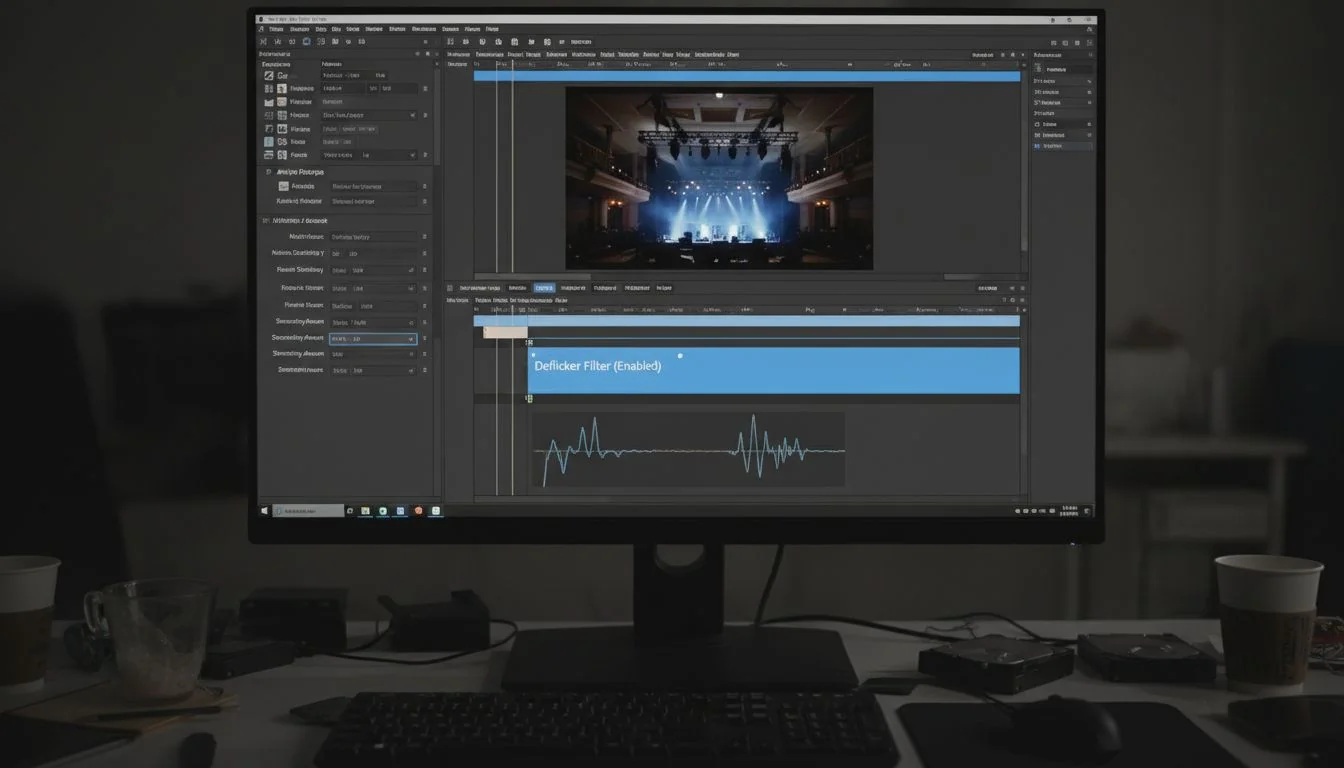
While prevention is always the best cure, post-processing is a powerful fallback. I had a client, a retail developer, who needed to submit footage for an insurance claim, but the video was a mess of flicker. We were able to salvage it using a deflicker plugin.
How Software Deflickering Works
These tools work by analyzing the brightness of the image on a frame-by-frame basis. They identify the repeating pattern of the flicker or band and then automatically adjust the exposure of each frame (or even parts of each frame) to even it out.
- Built-in Tools: Software like DaVinci Resolve Studio (the paid version) has a "Deflicker" effect in its toolbox that is very effective.
- Third-Party Plugins: Companies like Digital Anarchy (Flicker Free) and Neat Video offer specialized plugins that work with a wide range of editing software, including Adobe Premiere Pro and Final Cut Pro.
Rolling Shutter Reality Check
It's important to understand why this happens. Most CCTV cameras use a "rolling shutter," which scans the image from top to bottom. This is what interacts with the pulsing light to create bands. Professional cinema cameras sometimes use a "global shutter," which captures the entire frame at once, making them immune to this type of flicker. While not common in security, knowing this helps explain why syncing your rolling shutter camera is so critical. Software is a great fix, but getting the settings right in-camera is always the primary goal.
Software can perfectly fix any type of video flicker.False
While deflicker tools are powerful, they can sometimes introduce new artifacts, soften the image, or fail to completely remove very aggressive or irregular flicker. Prevention is always more reliable.
Rolling shutter sensors are more susceptible to flicker from artificial lighting than global shutter sensors.True
A rolling shutter exposes different parts of the frame at different times, capturing the light's brightness fluctuations as bands. A global shutter captures the entire frame instantly, avoiding this issue.
Your Top Questions About CCTV Flicker Answered?
You still have some specific questions about those annoying bands on your footage. Searching for clear answers online can be frustrating. Here are direct answers to the most common problems I hear about.
To stop rolling bands, sync your camera's shutter and frame rate to the local 50/60 Hz power grid. If that fails, check for EMI with an AM radio and ensure you're using high-quality, flicker-free LED drivers.
Here are the quick answers to the questions I get asked most often by contractors and facility managers.
How do I stop rolling bands on my security camera at night?
This is the classic symptom of a mains frequency mismatch. The bands are created by your camera's rolling shutter being out of sync with the 100/120 Hz pulse of the LED lights.
- Solution: Set your camera's anti-flicker mode7 to 50 Hz or 60 Hz. Then, set your shutter speed to 1/100s (for 50 Hz) or 1/120s (for 60 Hz).
What shutter speed removes LED street light flicker?
There is no single universal shutter speed; it depends entirely on your region's power grid.
- Solution: For 50 Hz regions (most of Asia, EU, Middle East), use 1/50s or 1/100s. For 60 Hz regions (North America, parts of South America, South Korea), use 1/60s or 1/120s.
Is EMI from street light drivers causing CCTV flicker?
It absolutely can. If you've already corrected your shutter speed and still see noise, static, or faint rolling lines, EMI is a likely suspect.
- Solution: Use the AM radio test. If it buzzes near the light's driver or power cables, you have an EMI issue. Fix it by using shielded video cables, separating them from power lines, and adding ferrite cores. Choosing lights with certified, low-EMI drivers like ours at Besenled prevents this from the start.
Can I fix existing footage with software?
Yes, for footage that can't be re-shot, software is a viable option.
- Solution: Use the deflicker tools found in professional video editing software like DaVinci Resolve Studio or purchase a dedicated third-party plugin. It's not always perfect, but it can often save unusable video.
Conclusion
Fixing CCTV flicker is about syncing your camera to the local power grid and choosing quality, low-EMI lighting. Follow these steps for clear, reliable security footage every time.
References
-
Understanding the causes of CCTV flicker is crucial for improving security footage quality. ↩
-
Optimizing camera settings is vital for achieving clear and reliable security footage. ↩
-
Selecting the correct shutter speed is essential for eliminating flicker in security footage. ↩
-
Understanding mains frequency helps in syncing camera settings for optimal performance. ↩
-
Choosing high-quality LED drivers is key to reducing flicker and improving video quality. ↩
-
Video editing tools can be a lifesaver for correcting flicker in critical footage. ↩
-
Knowing how anti-flicker mode functions can help you set up your camera correctly. ↩